Photos on a map
Open the app and see where your family has been. Tap a pin to open the photo.
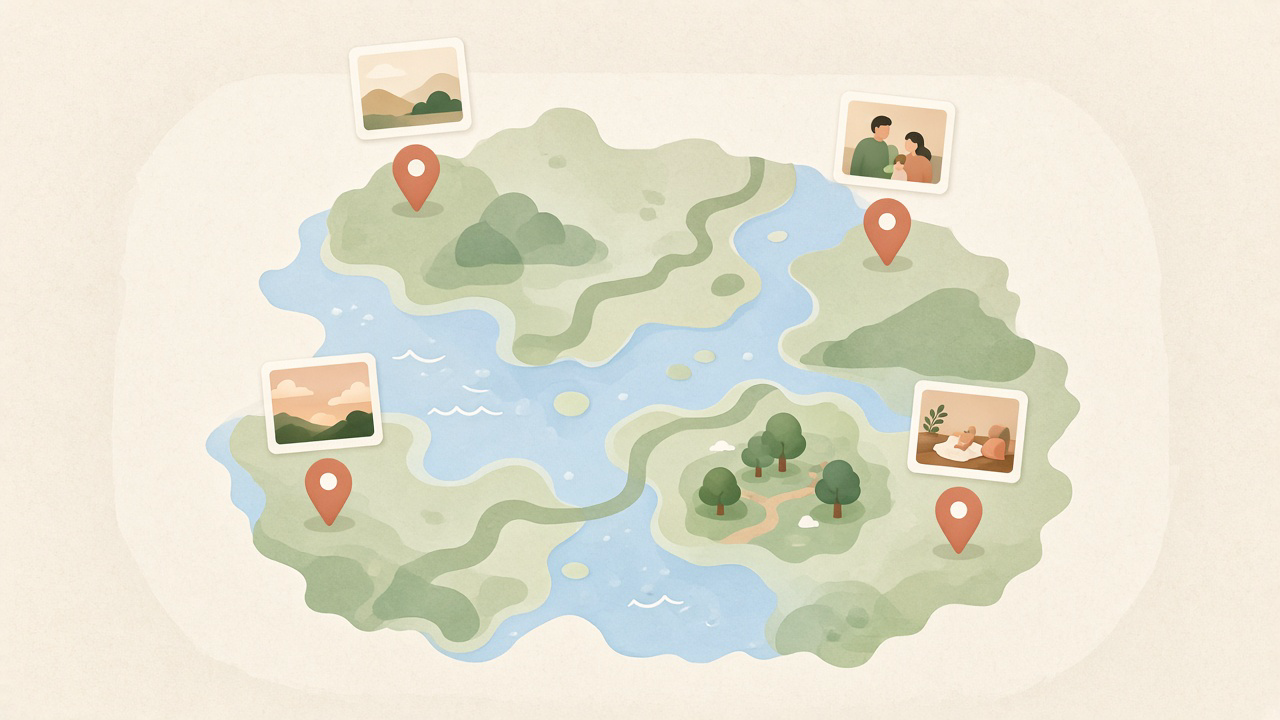
Share photos with the people you invite. Every picture stays on the place where it was taken, so you can find it again.
FamilyAtlas is a private app for your family. Upload a photo, put it on the map, and the people you invite can open it later.
One photo gets its own pin. A trip or a birthday can be one event: many photos under a single pin, such as “Spain 2026”.
The map is the first screen. From far away you see how many photos are in a place. Up close, you see the pictures.
Upload a photo, mark the place, and the people you invite can see it.
Open the app and see where your family has been. Tap a pin to open the photo.
Group a trip, a party, or an ordinary day into one pin. “Spain 2026” can hold dozens of photos.
Only people you invite can see the photos. One person creates the family. Everyone else joins from a link or QR code.

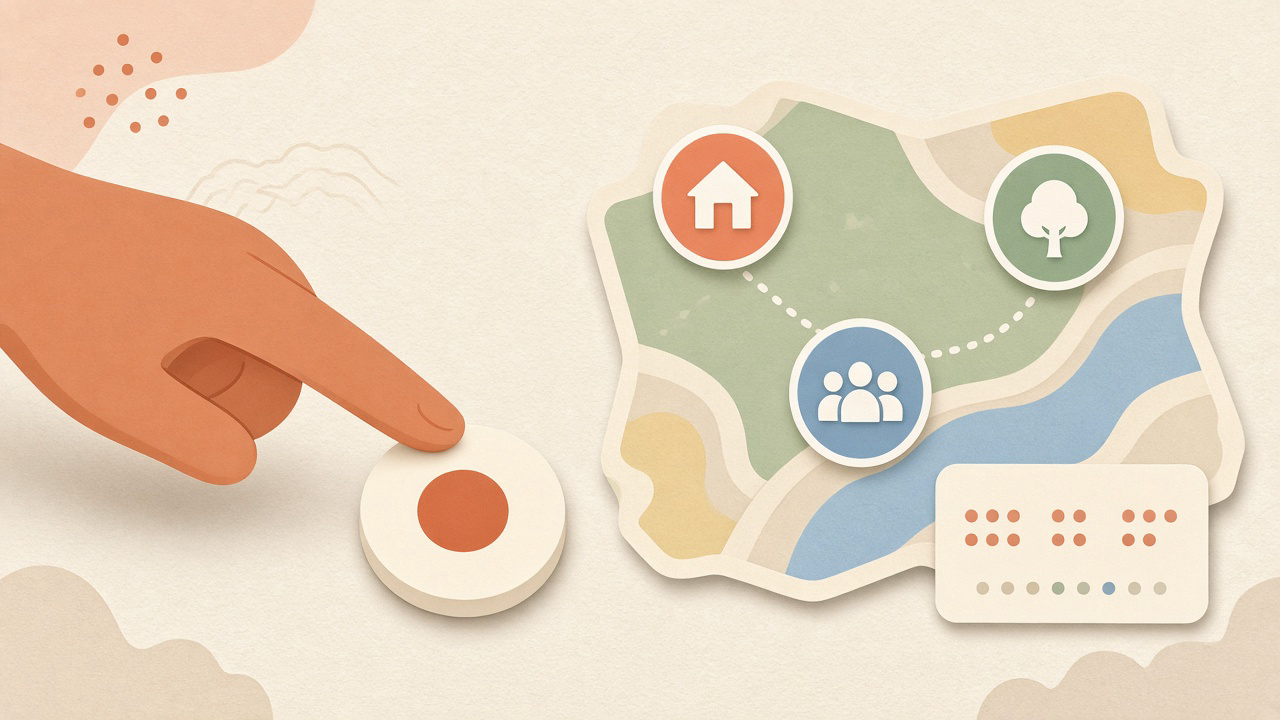
Three tabs, large buttons, and a join link or QR. Simple enough to show a grandparent.
There are no ads between photos. The paid plan is for more storage.
You can see how much space is used before you upload. If it runs out, photos you already added stay.
One person creates the family and becomes the owner. Everyone else opens a share link or scans a QR. The invite works for 7 days and can be used by several relatives until it expires or the owner issues a new one.
Pick a photo, move the map, and drop the pin. A short note is optional. You can also add the photo to an event.
Pins show the places your family has been. Tap one to see the photo, who added it, and when.
One person pays. Everyone in the family gets the same plan. Invite as many relatives as you like, on Free too.
The paid plan arrives in version 1.0A good place to start
More room for a growing family
The limit goes back to 2 GB. Photos you already uploaded stay on the map, and you can still open and download them. New uploads wait until there is room, or until you subscribe again.
Only people in your family. There is no public page. The invite is a link (or QR) with an 8-character code behind it. It works for 7 days and does not burn when someone joins. It stops when it expires, or when the owner generates a new code.
It keeps working until the end of the time you already paid for. Then the limit is 2 GB again. Photos already there stay. New ones upload only when there is room.
On Family, yes: one ZIP of the family’s photos. On Free, one photo at a time. If you delete the family or the account, you get one full download either way.
Not at the start. First release is Android. iPhone comes after that.
No. If there is a payment, it is for storage.
However many you have. We don’t charge per person, and we don’t remove anyone when a plan changes.
Send us an email. We reply ourselves, usually within three business days, in English or Russian.
A reply within three business days.
Write to supportThe button opens an email with space for the screen, what you expected, what happened, and your phone.
Report a problemThese are the places you can reach us for now.
FamilyAtlas is on Google Play Internal testing. Open the link, accept the tester invite, then install from Play.
Join the betaOnly people added as testers can install. Ask us if you need an invite.